Special offer for new users
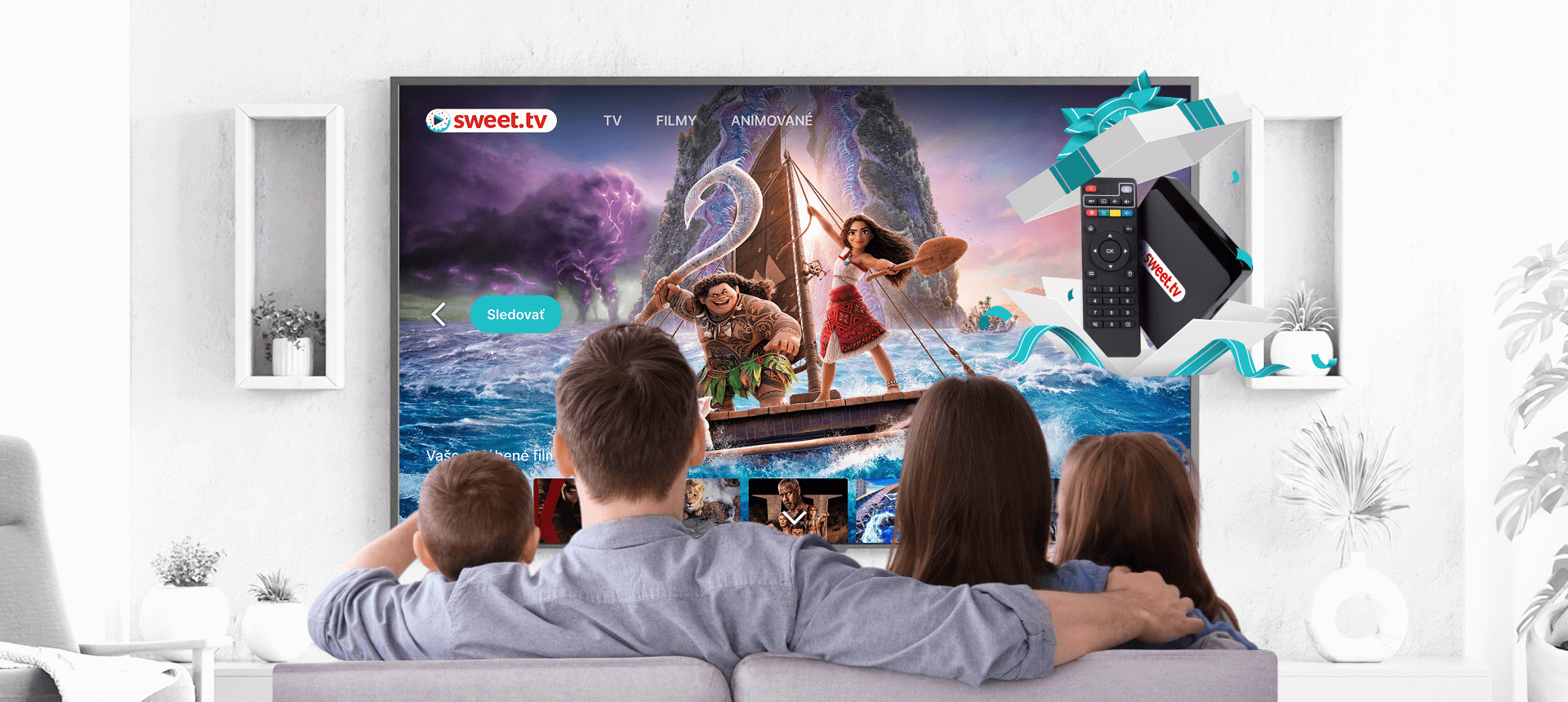
Get an Android set-top box for free!
Subscribe to the “L” plan for 6 months and use the SWEET.TV Android Box for free
How to get a set-top box for free?
Subscription “L”
51 €
Use SWEET.TV Android Box for free if you buy the “L” subscription plan for 6 months.
iNeXT TV5
Frequently Asked Questions
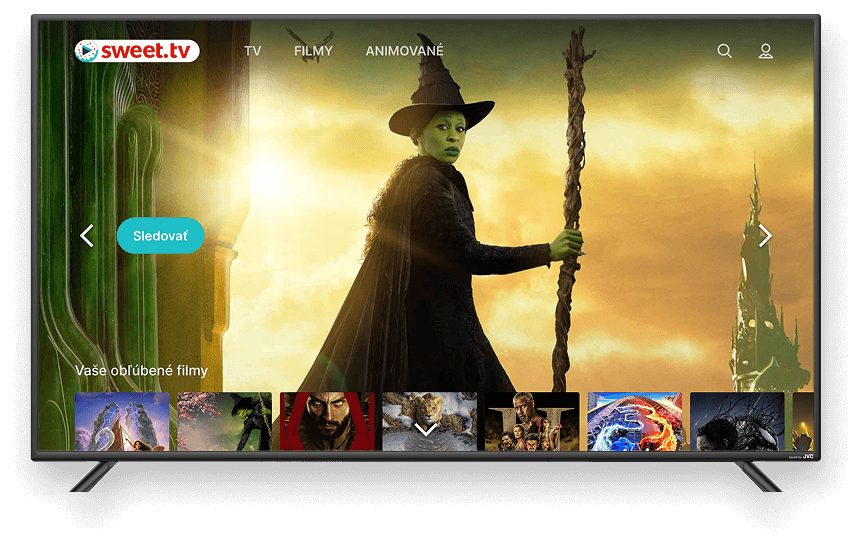
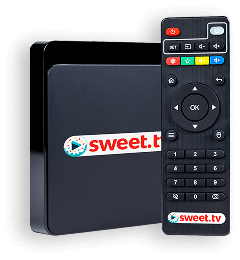
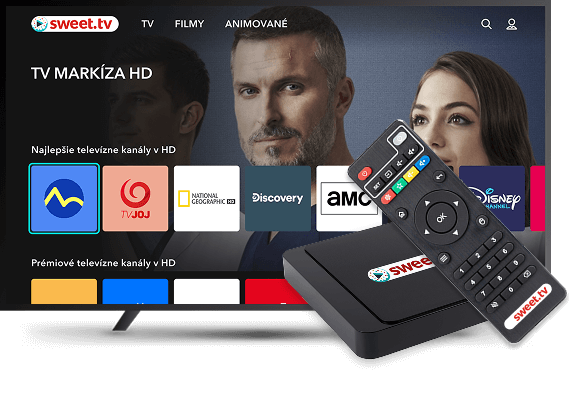
SWEET.TV Android Box is a modern smart set-top box powered by Android 10 that adds Smart TV functionality even to a regular TV. It allows you to stream online content, install apps, and use game controllers.
- 4K Ultra HD video playback
- Wi-Fi connectivity (2.4 / 5 GHz)
- Access to streaming apps, games, and web browsing
- Game controller support
- USB 2.0 and microSD card reader for connecting external devices
Use an HDMI cable, as the device has an HDMI output.
Connect the device to power and select the appropriate HDMI input on your TV to complete setup.
Any TV with an HDMI input is compatible — both modern and some older models.
Since the SWEET.TV Android Box only supports HDMI, you’ll need a special adapter (HDMI to AV or HDMI to VGA) to connect it to a TV that doesn’t have an HDMI port.
Smart TV Box can operate via Wi-Fi (2.4 or 5 GHz) or via an internet cable.
-
Preparation
Make sure your TV has a free HDMI port.
Prepare an HDMI cable (usually included with the device) and the power adapter. -
Connecting the cables
HDMI cable: Plug one end into the Android set-top box and the other end into your TV’s HDMI input.
Power: Use the included power adapter to connect the set-top box to a power outlet. -
TV setup
Turn on your TV and use the remote to select the correct input source, switching to the HDMI port where the set-top box is connected. -
Initial setup of the set-top box
After turning on the SWEET.TV Android Box:
Select your preferred interface language.
Connect device to the internet via Wi-Fi (2.4 GHz or 5 GHz networks are supported).
Sign in to your Google account to download apps via the Play Store. -
Additional connectivity options
If needed, you can connect a USB flash drive, mouse, or keyboard via the USB 2.0 port.
You can also insert a microSD card to expand storage or access media content. -
Connecting to an older TV without HDMI
If your TV doesn’t have an HDMI port:
You’ll need an HDMI to AV or HDMI to VGA converter (with audio support).
Connect the set-top box to your TV with the adapter. Power and setup remain the same. -
Internet connection
Since the SWEET.TV Android Box doesn’t have a built-in Ethernet port:
The device connects to the internet only via Wi-Fi (2.4 or 5 GHz).
If you prefer a wired connection, you’ll need a USB-to-Ethernet adapter, though it may require additional setup.
Special Offer
Subscribe to the “L” plan for 6 months and use the SWEET.TV Android Box for free
Order summary
iNeXT TV5
Free use
Order checkout
Delivery by courier from Slovak Post